An Android phone becomes a personal Windows dock: real app icons, glass controls, and screen capture, connected over your local network.

- Role
- Product Designer & Full-Stack Developer
- Client
- Personal project
- Year
- 2026
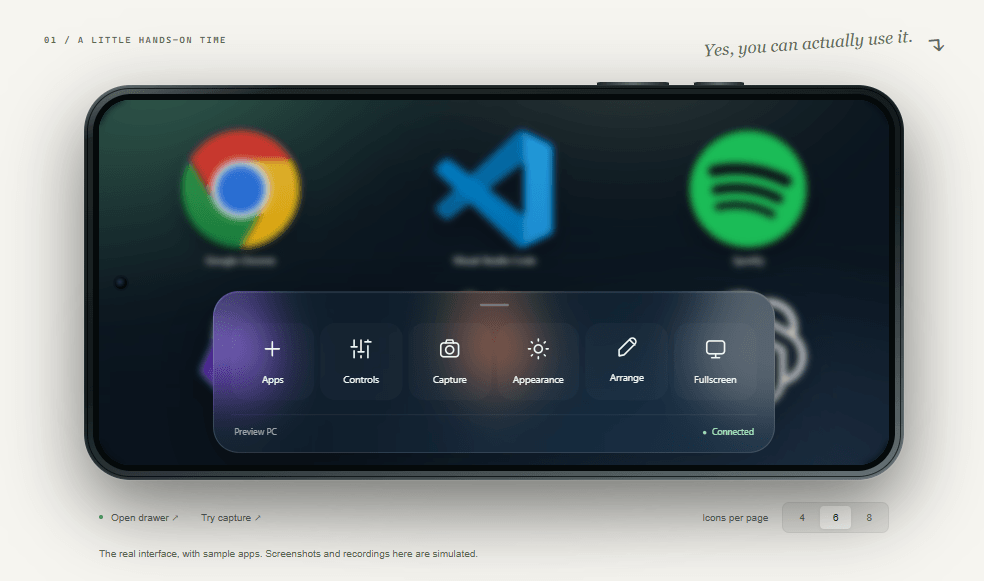
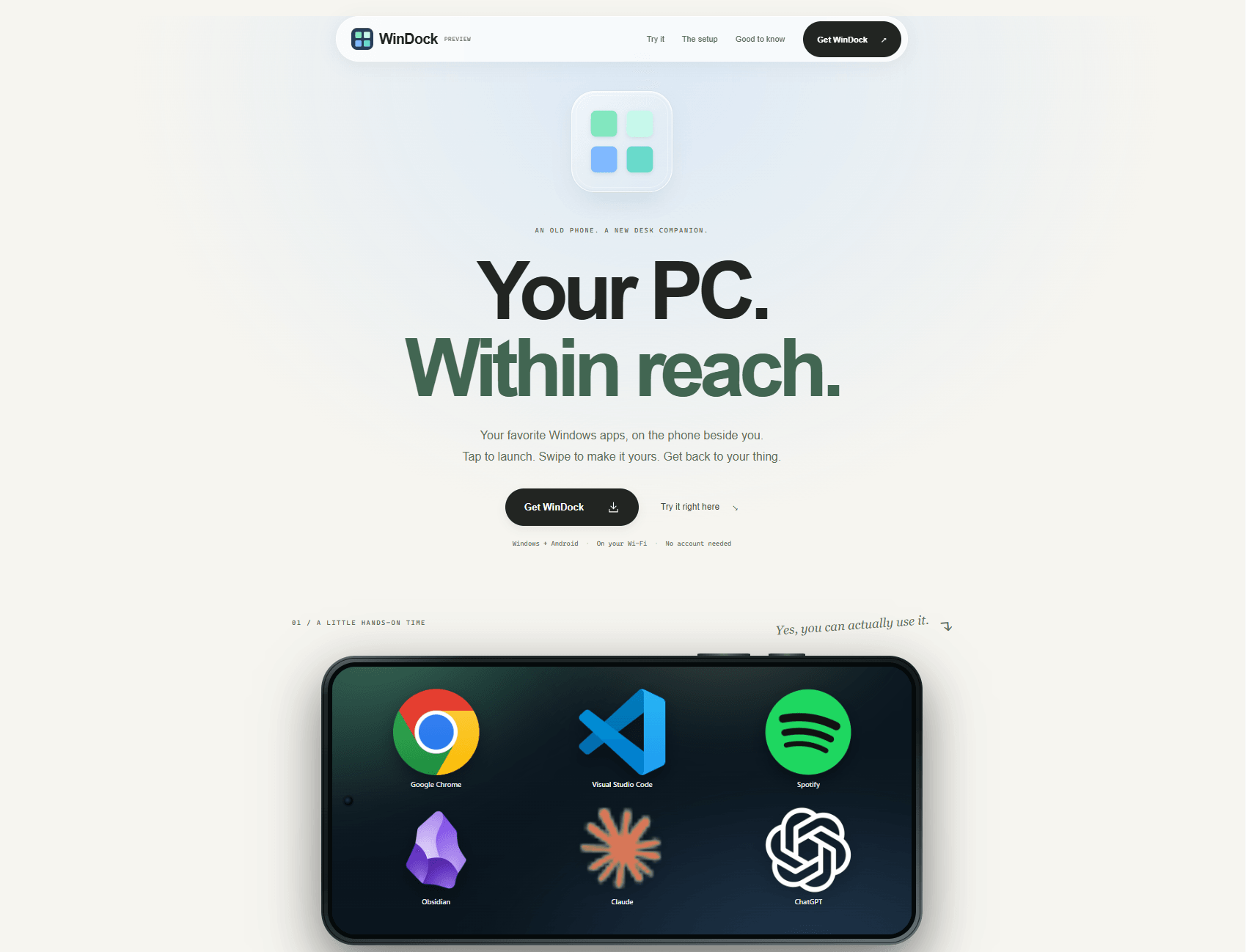
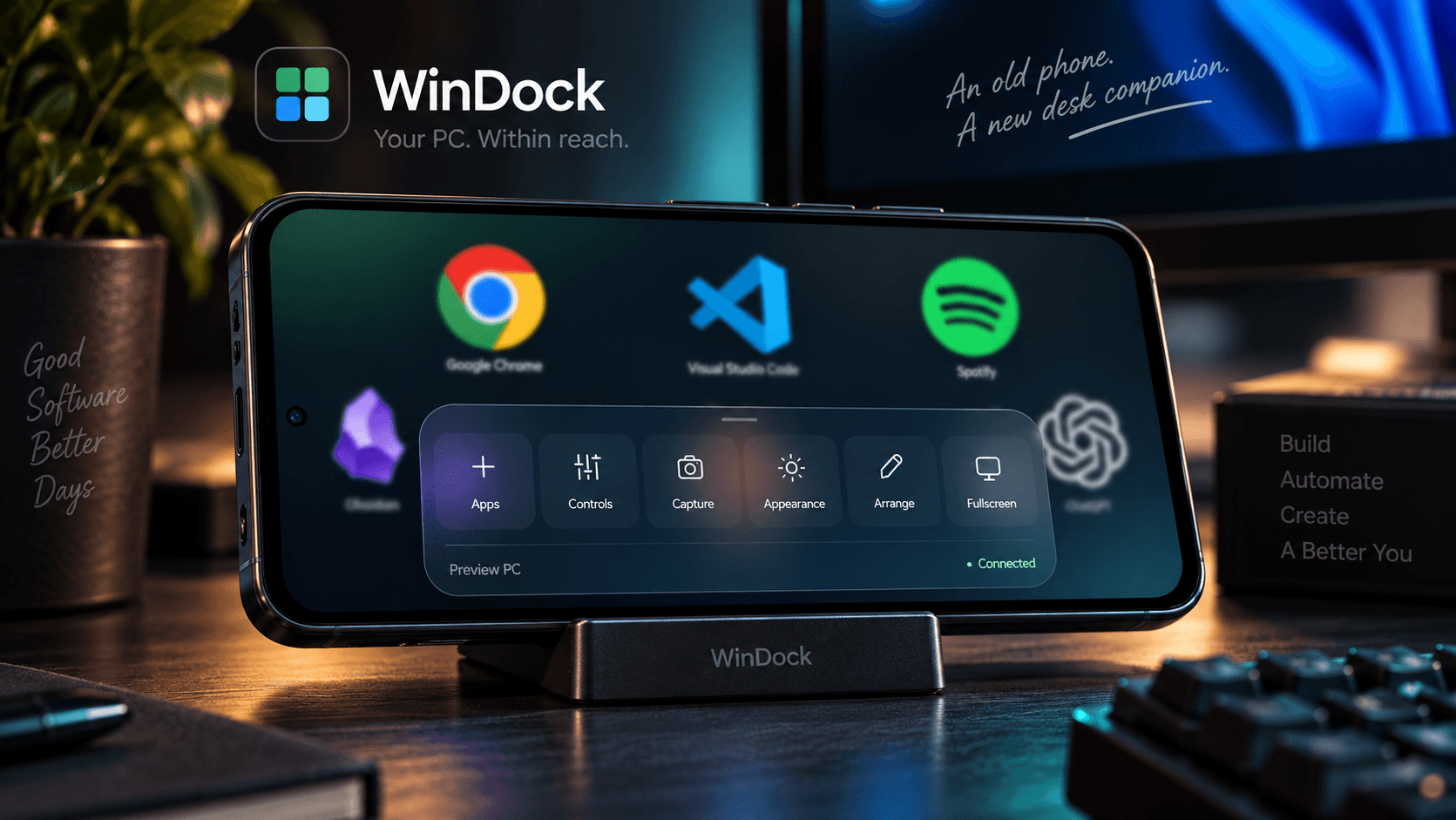
WinDock gives an unused Android phone a practical place on the desk. Its landscape interface puts large Windows app icons within reach, with swipeable pages, hold-to-arrange gestures, and a glass drawer for controls, appearance, and capture.
A Node.js host on the PC serves the shared web interface and coordinates PIN pairing and live updates. A C# helper integrates with Windows app identities, icons, launch and focus behavior, media controls, brightness, screenshots, and silent screen recording. The Android companion discovers the PC and opens the same interface in a restricted WebView.
The project includes a Windows installer, an Android APK, automated builds on GitHub, and a Vercel website with an interactive demo. It is open source under the MIT license. An iOS companion is planned; Windows and Android are the currently downloadable platforms.
The challenge
The main challenge was giving a phone interface reliable access to Windows behavior without moving the desktop into the cloud. The implementation separates the touch UI, local host, platform contract, and native helper; validates actions and endpoints; and keeps pairing inside the shared web interface. Hardware brightness and foreground activation remain dependent on the connected display and Windows behavior, so those limits are documented alongside the available builds.
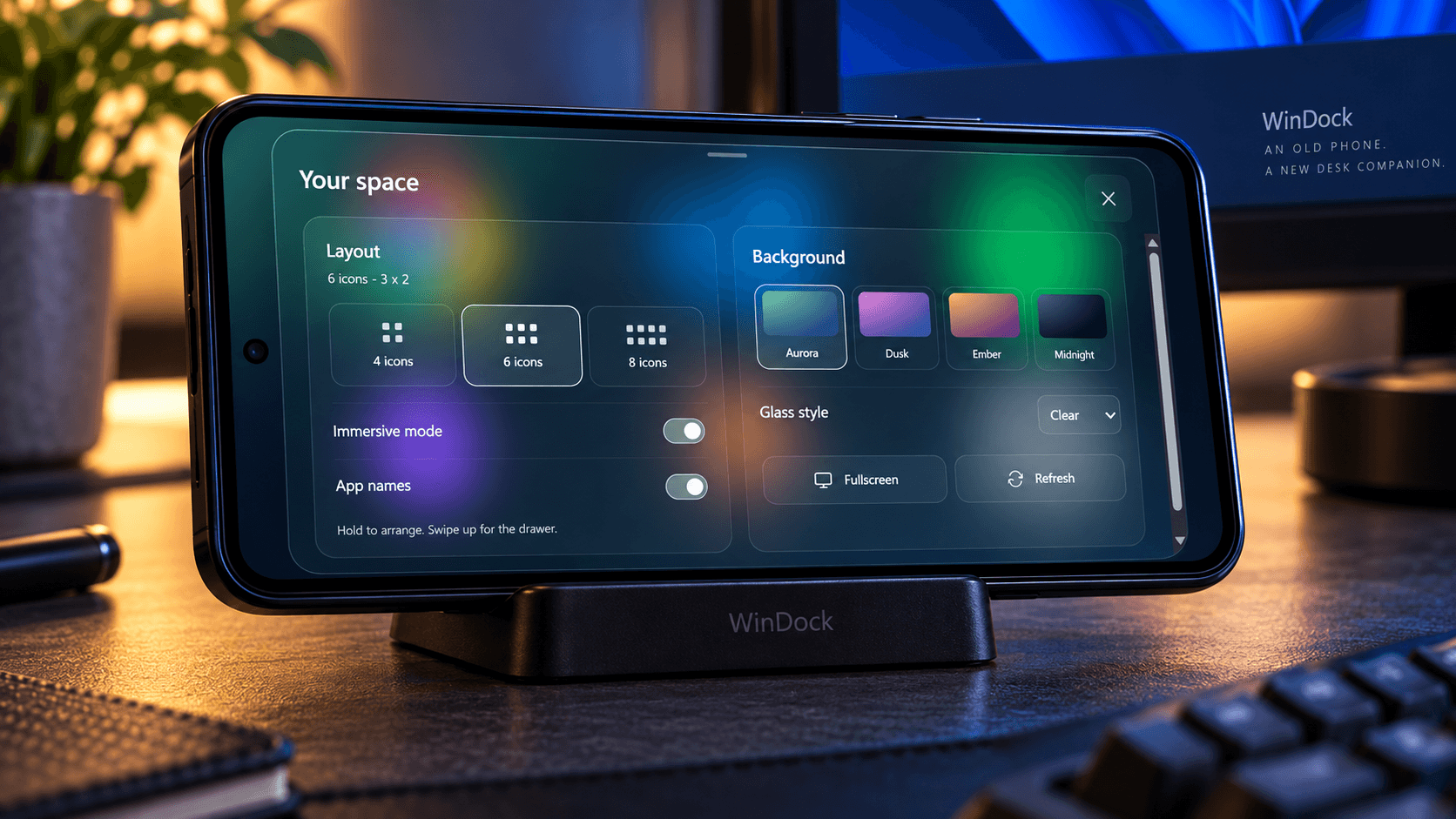
A phone that feels like a dock
A landscape home screen with real app icons, four, six, or eight icons per page, swipe navigation, and hold-to-arrange gestures. Backgrounds and glass styles make the dock personal.
4, 6, or 8 icons per page
Native Windows integration
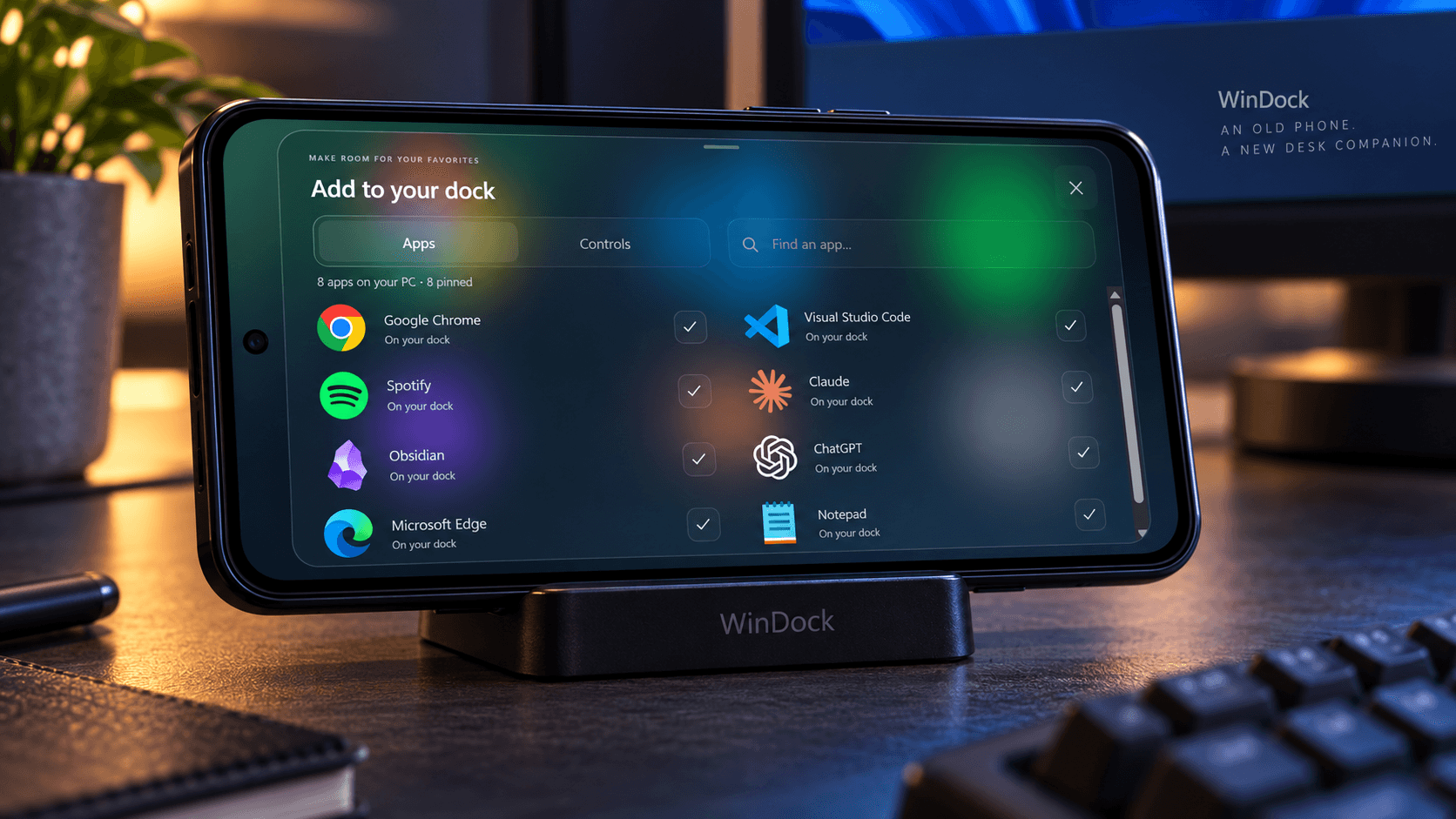
The C# helper supports classic and packaged Windows app identities, extracts icons, and handles launch and focus requests. A quiet tray companion starts the local host and exposes pairing information.
Windows tray → local host → Android dock
Controls and capture within reach
Control media, volume, and supported display brightness, or capture the main monitor as a PNG screenshot or silent MP4 recording. Capture files stay on the PC.
PNG screenshots · Silent MP4 recordings
More details (1)
From source to installable apps
GitHub Actions builds Windows and Android, runs verification, checks the Windows installer lifecycle, and validates the APK. A static Vercel website hosts the interactive demo and links directly to release downloads.
16 verification scripts · 930 assertions
Published a Windows installer, an Android APK, and a public interactive website. The first GitHub release passed 16 verification scripts with 930 assertions, Windows installation/launch/upgrade/uninstall checks, and Android build, unit tests, lint, and APK signature validation. The Windows download is currently unsigned and Android is debug-signed; these are stated clearly in the installation guidance.
- Verification scripts
- 16
- Assertions passed
- 930
- Downloadable platforms
- Windows + Android